

LDP Analyzer, Multi Shot, AutoPilot and the rest of the Binary Bot tools in one Android app. Sign in with your Deriv account, pick a bot, set your stake and limits — and every trade goes straight to your own Deriv account.
The same tools you use on binarybot.live, laid out for your phone.
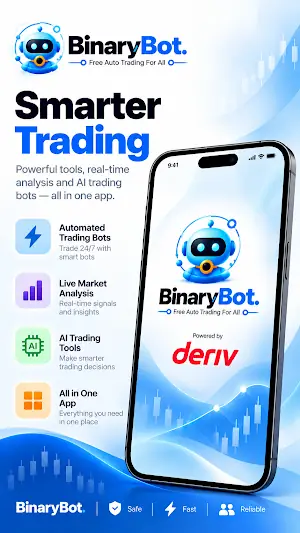
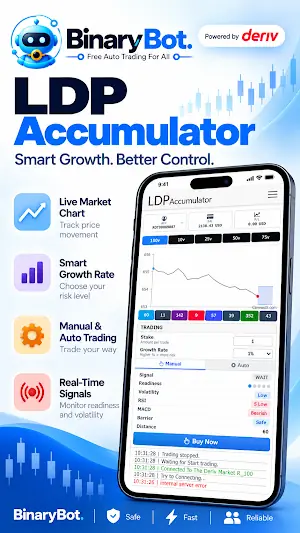
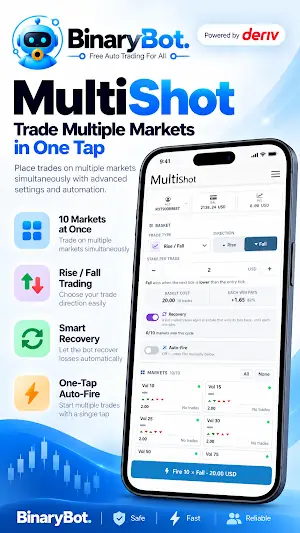
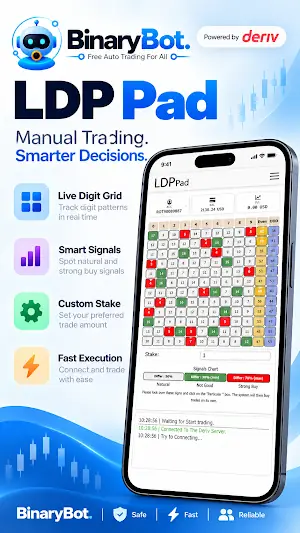
Every bot reads Deriv’s live tick feed and trades on your own Deriv account. Tap any one to see it on the web first.
Live last-digit distribution on 10 volatility indices. Matches/Differs, Over/Under and Rise/Fall trades, by hand or automatic, with take profit and stop loss.
See LDP Analyzer →Watches all ten volatility markets at once and trades Over 0/1 and Under 9/8 as a basket, within the limits you set.
See Multi Shot →Server-side automation that keeps trading after you close the app, until it reaches your profit target or loss limit.
See AutoPilot →An automated digit bot with nine strategies, including Differs, Over, Under, Even, Odd, Rise and Fall.
See Solid Bot →Waits for a setup instead of trading every tick: digit, Rise/Fall and Higher/Lower entries with virtual-loss filtering and a stop loss.
See Sniper Bot →Real-time tick charts and trend detection for Rise/Fall entries.
See Tick Picker →Runs Deriv Accumulator contracts with take profit and stop loss.
See LDP Accumulator →A pad for Digit Differs and Even/Odd trades across several volatility indices at once.
See Digit Pad →Places a Higher and a Lower contract on either side of the current price at the same time, from one stake.
See Dual Shot →Set the stake, take profit and stop loss yourself. Features vary by bot.
Bots stop automatically when your profit target or loss limit is reached.
A live win/loss count and running profit on every bot, plus fixed, martingale, Fibonacci or D’Alembert staking.
About two minutes from download to your first demo trade.
Tap the button on this page, or search Google Play for Binary Bot Powered By Deriv, then tap Install.
Open the app and log in on Deriv’s own page. No Deriv account yet? Open one free — it comes with a demo balance.
Pick a bot, set a small stake and a stop loss, and watch it trade virtual money before you switch to a real account.
Many traders search for a Binary Bot APK, a Deriv bot APK or a Deriv analysis tool APK. You don’t need one. The official Binary Bot app is on Google Play, which checks the app, installs it in one tap and keeps it up to date automatically.
An APK file sent in a WhatsApp or Telegram chat is different. You can’t tell who built it or what it does on your phone, it never updates itself, and some “analysis tool” apps ask for your Deriv password or API token — which lets whoever holds it place trades on your account.
Get Binary Bot only from Google Play. If someone sends you a “Binary Bot APK” or a “premium version”, it did not come from us.
Check these details on the Google Play page before you install.
| Detail | Official app |
|---|---|
| App name | Binary Bot Powered By Deriv |
| Developer | TradeBots |
| Website | binarybot.live |
| Price | FreeNo paid version |
| Category | Finance |
| Data safety | No data collected · no data shared with third parties |
| Support email | safebinarybot@gmail.com |
Same bots, same Deriv login. The app just puts them one tap away.
| Android app | binarybot.live | |
|---|---|---|
| Bots and tools | All the main bots | All bots |
| Login | Your Deriv account | Your Deriv account |
| Opening it | App icon on your phone | Any browser, any device |
| Updates | Automatic through Google Play | Always the latest version |
| Works on | Android phones and tablets | Android, iPhone, computer |
You sign in on Deriv’s own page, and every trade is placed on your own Deriv account. Binary Bot never holds or handles your money.
Free on Google Play. Sign in with Deriv and start on a demo account.
Get it on Google Play